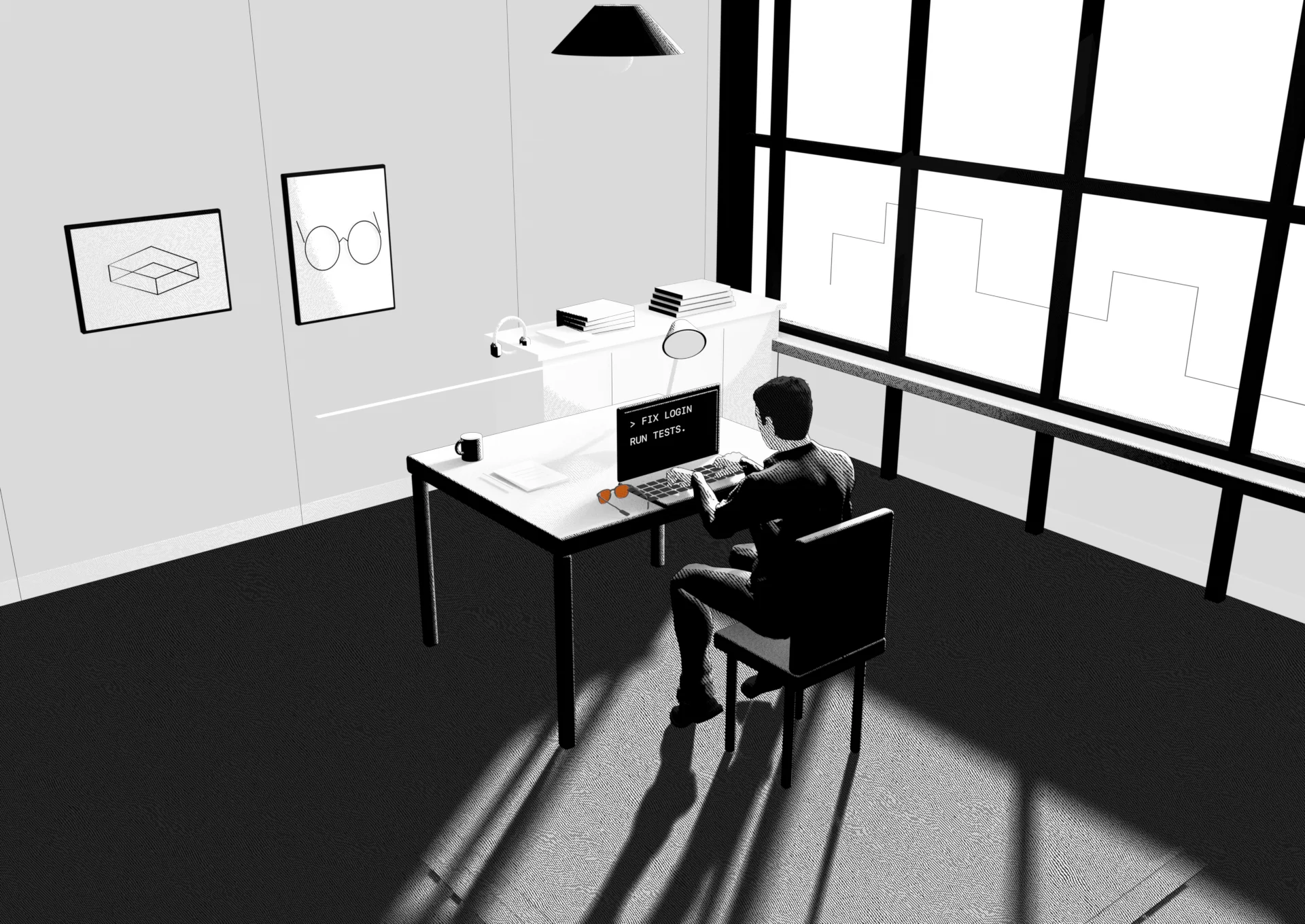

You got AI to do the work.
At your deskScroll to continue
Scroll to move through the comic. Use Jump to a moment to choose a scene. Display examples use actual firmware layouts with illustrative content.
 Early access
 CAMERA-FREE PERSONAL AI GLASSES
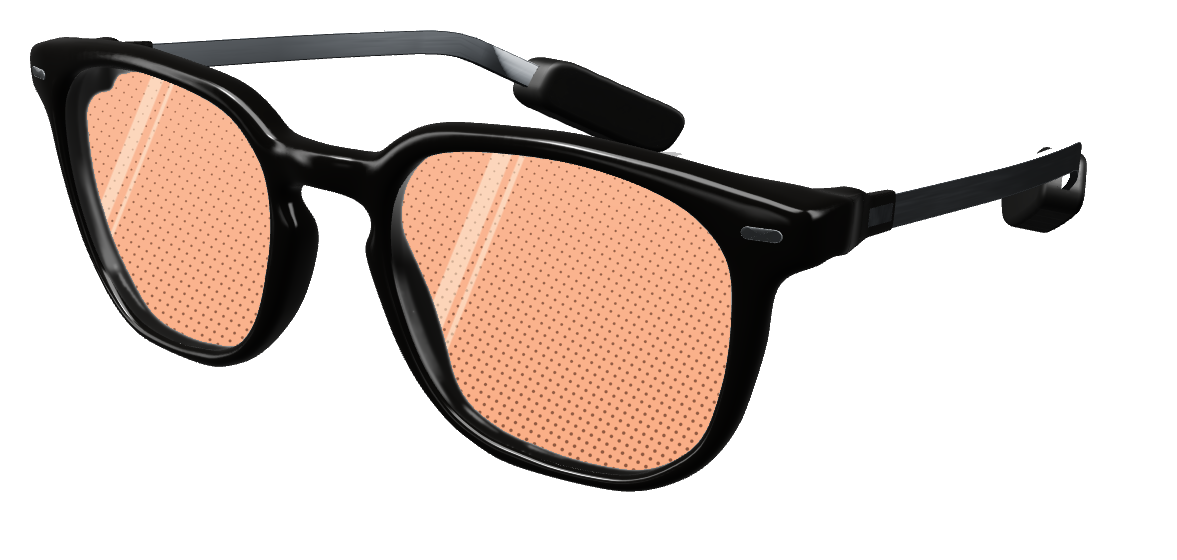
Follow your coding agents. Catch up on email.
A personal assistant, in your glasses.
You got AI to do the work.
Scroll to move through the comic. Use Jump to a moment to choose a scene. Display examples use actual firmware layouts with illustrative content.
You got AI to do the work.
Somehow, you’re still at your desk.
You should be able to get up.
You: Run the tests. I’m taking a break.
The work can keep going.
You: How did the tests go?
In E1O: Tests passed. Your move. Follow Claude Code and Codex from your glasses. Your Mac stays awake and connected to handle the work.
Colleague: When could we start the pilot?
In E1O: The date was in your notes. A useful cue from your notes, right when it belongs in the conversation.
You: September 16. We’ve got two weeks set aside.
Waiter: ¿Qué le gustaría pedir?
In E1O: Know what they’re asking. The waiter speaks Spanish. You see the translation in English, right in your glasses.
You: El risotto, por favor.
Your day doesn’t have to stop at a screen.
From a day in your life.
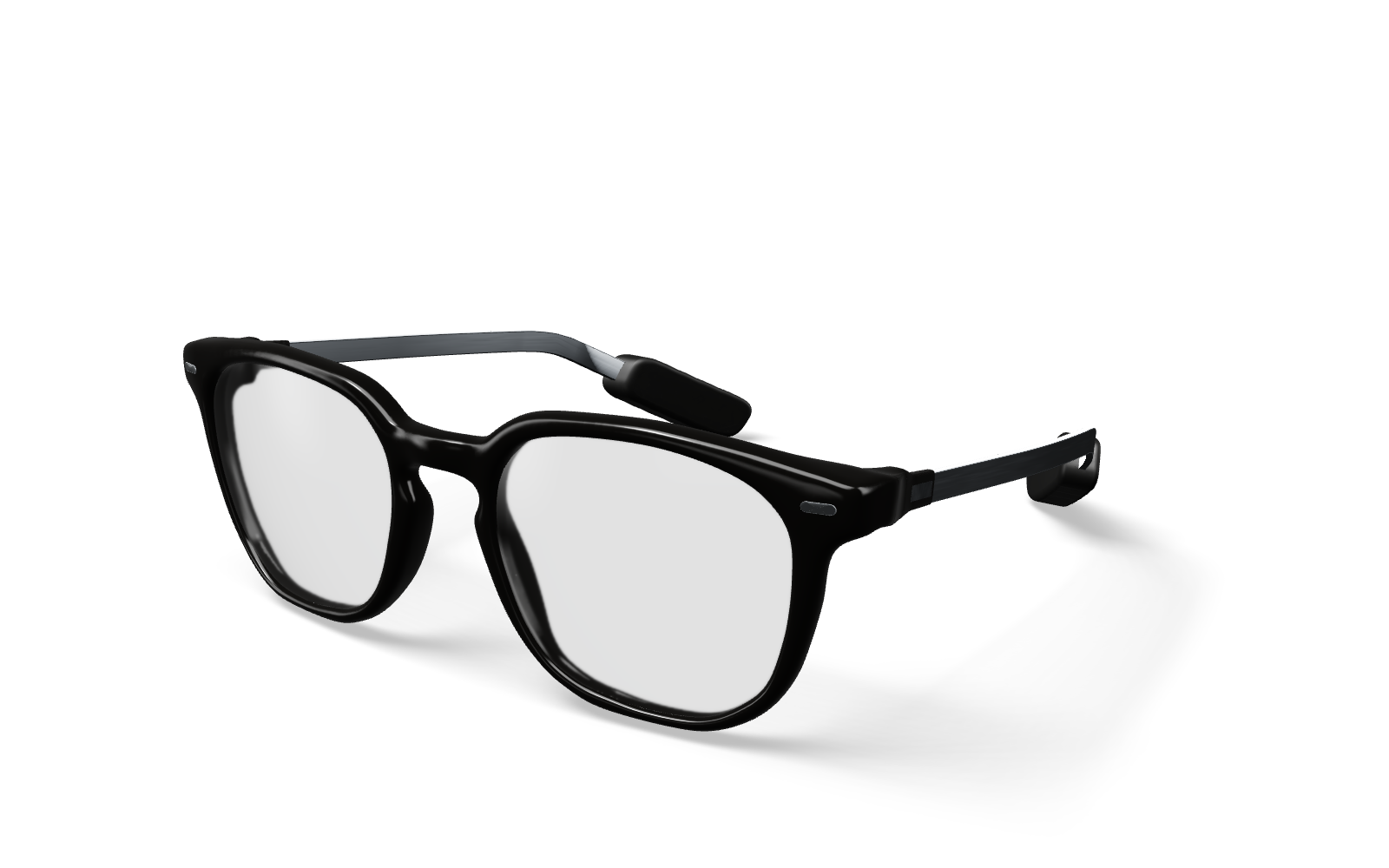
Camera-free glasses.
Your assistant, in view.
Connected through your phone.
A few words to E1O.
“Draft a reply saying
Friday at two works.”
Ready for your okay.
Review the draft in your glasses.
Swipe to approve sending.
The useful part. IN YOUR GLASSES
Friday at two works for me. See you then. Send to alex@example.com. Swipe to approve. Double-tap to decline. The calendar remains dimly visible behind the request.
Actual firmware layout · Illustrative email content
What would you make for yours?
“Build me a Twitch app.
Keep chat in my glasses.”
A little app for the thing you do.
Illustrative walkthrough. This page doesn’t generate, install or connect an app.The conversation comes with you. TWITCH EXAMPLE
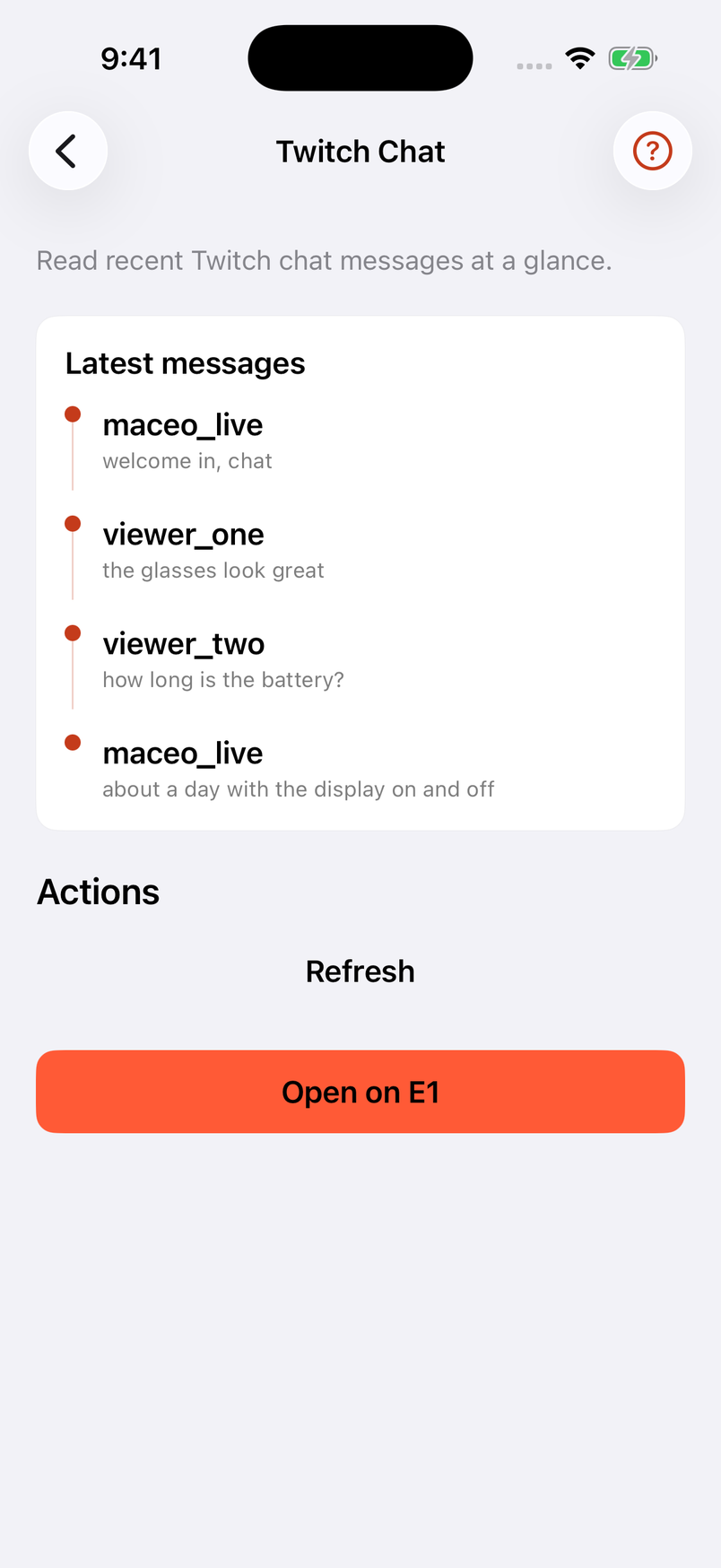
Live, MACEO_LIVE. Twitch Chat. Saved, now. maceo_live: welcome in, chat. viewer_one: the glasses look great. Selected message, viewer_two: how long is the battery?
Actual firmware layout · Example messages
The E1O app connects the rest.
Catch up with chat on your phone.
Open the app in your glasses.
There’s more than one way to use E1O.
A FEW THINGS WORTH KNOWING
The glasses put information in view. The E1O phone app connects your services and manages the experience. Coding agents run on your Mac, which needs to stay awake and connected; the glasses let you follow supported sessions and respond.
With your email connected, E1O can help you catch up and draft a reply. Review the draft and approve sending right in your glasses.
The story is illustrated. The display previews use actual firmware layouts and glyphs with example content. They show how information is arranged, rather than simulating the brightness or field of view of physical glasses.
Join the waitlist with your phone number. Access opens gradually. We haven’t announced a public launch date; joining doesn’t guarantee an invitation.
THE NEXT CHAPTER IS YOURS.
We’re opening access gradually.
Leave your number and tell us what you’d put E1O to work on.