E1O guides / The useful words
Smart-glasses glossary
A little clarity before you look through the lenses. Twelve useful terms for understanding displays, reading product specifications and asking better questions.
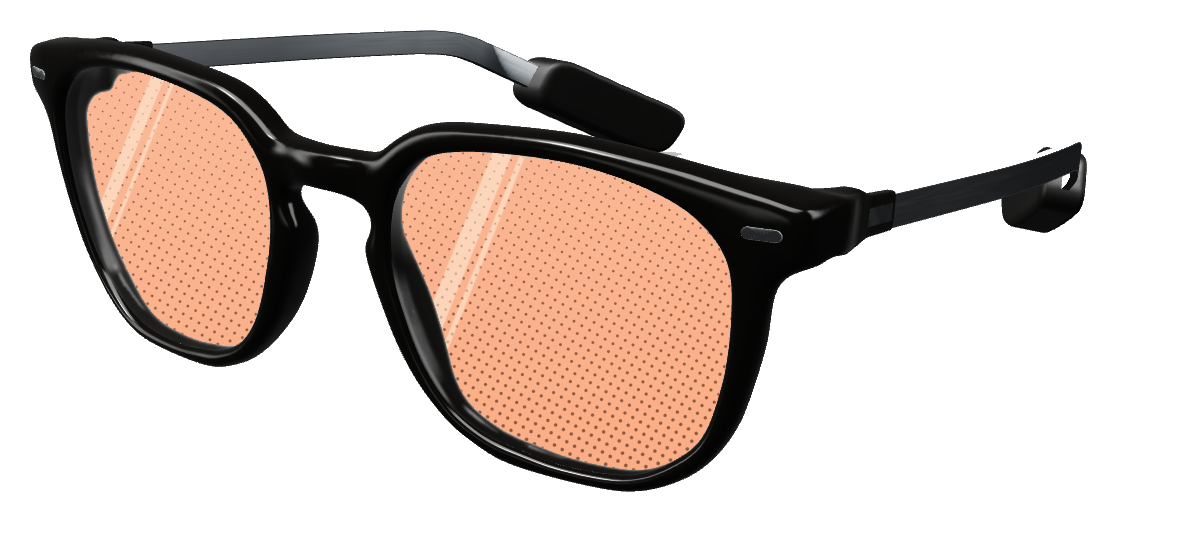 A little clarity goes a long way.
You do not need to become an optical engineer to choose smart glasses. It helps to separate what the display can show, where that information stays, and what the connected software needs to work.
This glossary explains the general concepts. Its examples are questions you can take into a demo, not unannounced specifications for E1O.
The display and the optics
- Field of view (FOV)
The angular extent of the displayed image, usually expressed in degrees. A display occupies only part of what your eyes can see. Horizontal, vertical and diagonal FOV describe different measurements.
Compare like with like: a diagonal number and a horizontal number do not describe the same span. For a short message, ask to see the actual text size and layout as well.
Read more: Vuzix: display dimensions and FOV
- Eyebox
The region in which your eye can be positioned and still see the intended display image. It describes tolerance for eye position, rather than how much content the image contains.
During a fitting, move the frame slightly up, down and sideways. Notice whether text at the edges remains visible. Fit and display design work together.
Read more: University of Arizona: near-eye display optics (PDF)
- Waveguide
An optical component that carries image light through a thin structure and directs it toward your eye. Different waveguide designs use different methods to couple light in, guide it and couple it out.
“Waveguide” names part of the optical system. It does not, by itself, tell you the brightness, field of view, color quality or comfort of a finished pair.
Read more: Vuzix: waveguide technology
- Optical see-through
A display arrangement in which you see the real world directly through transparent optics, with image light added to your view. A camera-fed video view of the world is a different approach.
A screenshot cannot show how added light mixes with the room around you. Try reading the display against both light and dark backgrounds.
Read more: Microsoft: see-through display behavior
- Pixels per degree (PPD)
A measure of angular pixel density: how many display pixels span one degree of your view. It connects pixel count to apparent image size. Optical quality and rendering also affect what you can read.
For an evenly spaced, hypothetical image, 600 horizontal pixels across 30 horizontal degrees average 20 pixels per degree. This arithmetic example is not an E1O specification.
What stays in view
- Camera-free
In these guides, a frame with no onboard camera. It is a statement about the hardware on the frame. Microphones, phone permissions and connected services require separate checks.
A camera-free frame may still accept spoken requests. Ask what captures the audio, where it goes and how to turn that feature off.
Read more: Even Realities: an example of camera-free hardware · Read the camera-free guide
- Head-locked display
Content that stays in the same direction relative to your head as you turn. Think of an instrument readout that travels with your view, rather than a note attached to a particular wall.
Turn your head during a demo. If the text follows in the same part of the display, that demonstrates a different behavior from an object placed in the room.
- World-locked content
Digital content positioned relative to the surrounding environment. It is intended to remain in that place when you move. This requires tracking and a spatial reference; displaying text alone does not establish the capability.
A virtual note that stays beside a real desk as you walk around is world-locked behavior. The compact E1O previews on this site do not demonstrate room anchoring.
The connection behind the view
- Companion app
The phone application that works with the glasses. Depending on the product, it can manage pairing, settings, permissions and communication with online services. Features may depend on the app remaining available.
Ask which features work with the phone offline, locked or out of range. These are three different conditions, so test each separately.
- Bluetooth Low Energy (BLE)
A Bluetooth radio technology designed for low-power communication. Devices can use it to exchange data over a nearby wireless link. Supported features depend on the product and its implementation.
A Bluetooth connection is not an internet connection. A device may still rely on its companion phone to reach an online service, and range varies with the environment.
Read more: Bluetooth SIG: technology overview
- On-device processing
Computation performed locally on a device. In a glasses-and-phone system, ask which device is meant: the glasses, phone or connected computer. One local operation does not make an entire workflow offline.
E1O’s coding architecture keeps the coding agent on the Mac. A status view on the glasses does not move code execution there.
Read more: E1O: where the coding session runs
- End-to-end latency
The elapsed time from a defined input to its visible result across the entire workflow. Network travel, service processing, phone work and display updates can each contribute.
For chat, measure from sending a new message to seeing that same message on the glasses. Timing only the renderer leaves out the rest of the connection.
Read more: E1O: a complete chat test
Take three questions into a demo
- Can I read it? Try your own text at a comfortable size, against different backgrounds, with the frame adjusted for you.
- What needs to stay connected? Identify the phone, computer and services involved. Check what happens when one disconnects.
- What was actually tested? Separate a rendered layout from a live service, and a hardware concept from a physical demonstration.
For specific examples, see the camera-free guide, the coding-agent architecture and our Twitch-chat testing sequence.
Definitions and linked sources reviewed September 8, 2026. Manufacturer sources explain their own technologies; they do not establish E1O’s final hardware specifications.